UltiPro
UltiPro is the Human Resources tool where employees may updated primary contact information, view company job openings, access paryoll statements, view current benefits and much more.
Accessing UltiPro
-
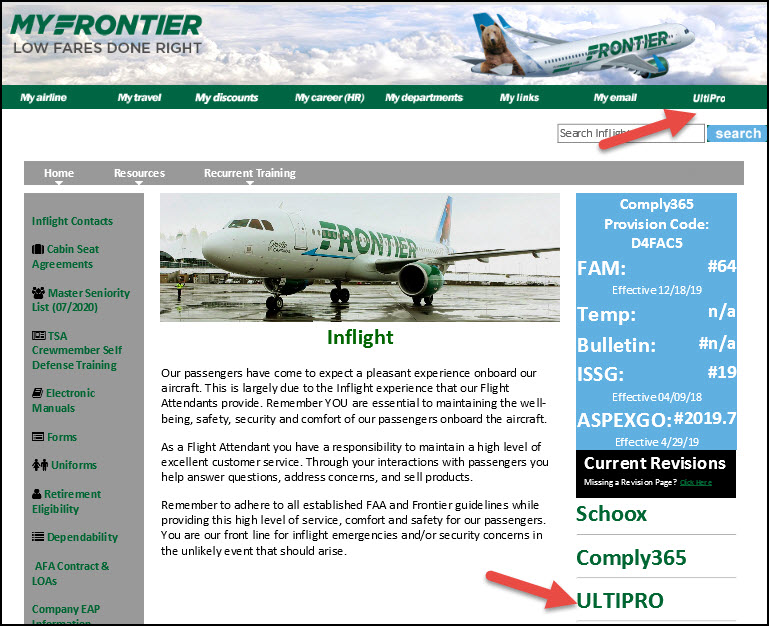
Access UltiPro from the www.myfrontier.org home page or on the Inflight page.
-
On the Log In screen, enter your employee number as the username and password.
- Username: Your 6 digit Employee number.
- Password: Current password used or default if you have never logged in. Default password is your birthday plus the last 4 digits of your SSN - in the format of MMDDYYxxxx.
